Im using a C64 with a Ultimate II+ and the IEC drive on 13. What method should I use to install the bbs software? I tried the SD2IEC by copying all the files and directories to the root of 13. Then i ran “bootmaker 8100” and when it prompted me for a boot file disk i change the 8 to 13 and left the rest the same. I got a disk error 62 file not found. Any help would be appreciated.
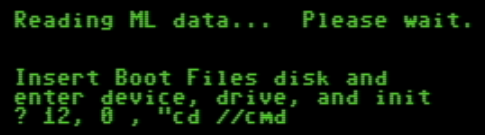
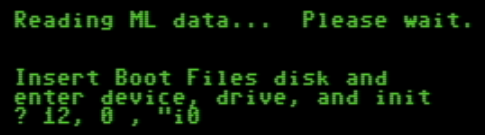
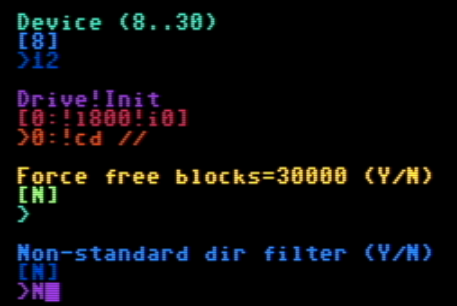
Run the BOOTMAKER 8100 utility and on the first prompt, enter the following:
Note: you may not need “cd//” there. You can try with just the default “i0” as is and see if that works for you. Otherwise, try the above.
BOOTMAKER will re-create a few files. From there, you should be able to run SETUP to ensure you have the configuration setup as you would like it and modify your modem settings, if needed.
Assume you are running off a wifi modem? That’s what the current configuration is set up for - it was for the wifi modem from CBMSTUFF.COM. May work with others - but I can’t say for sure.
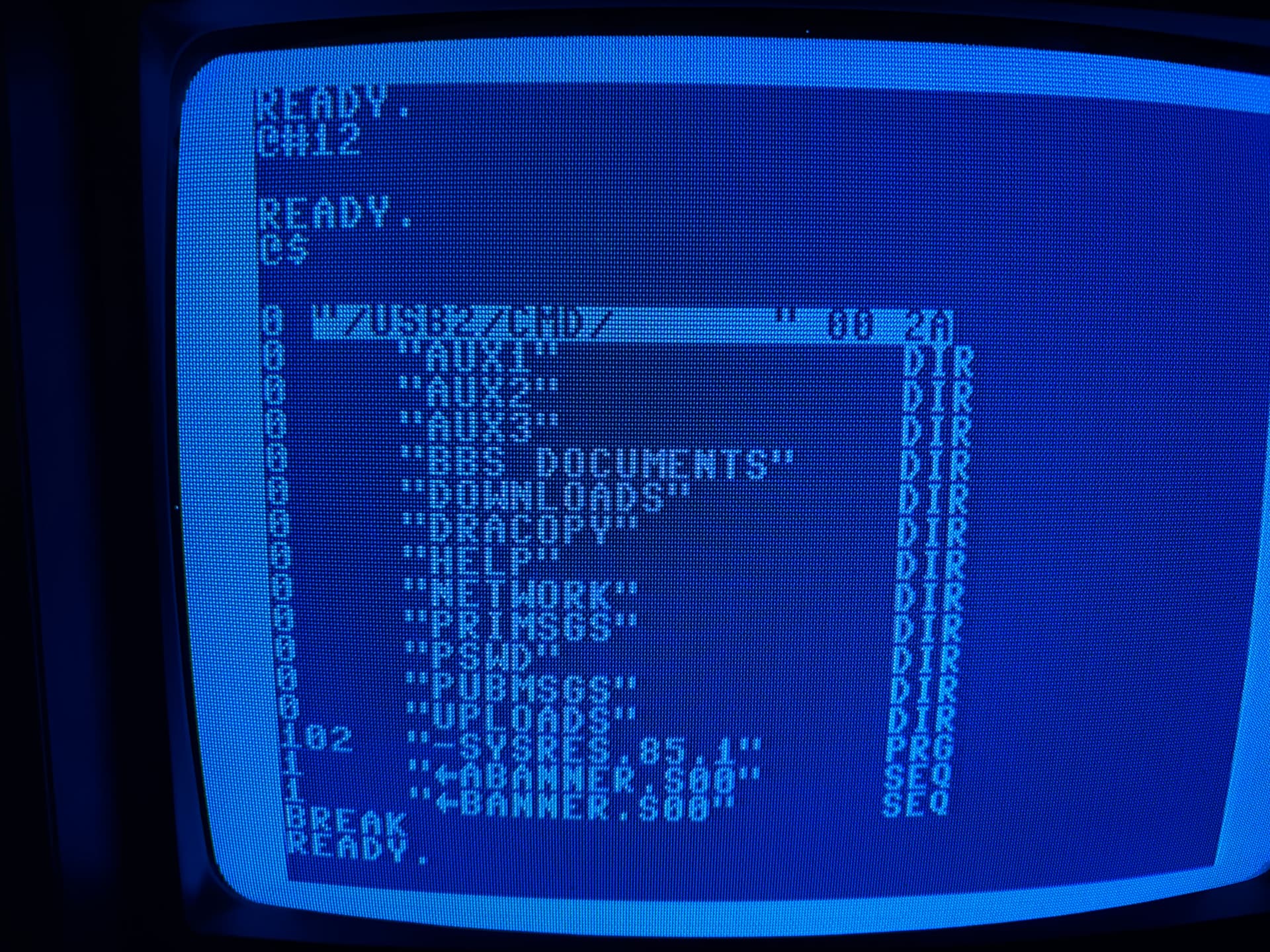
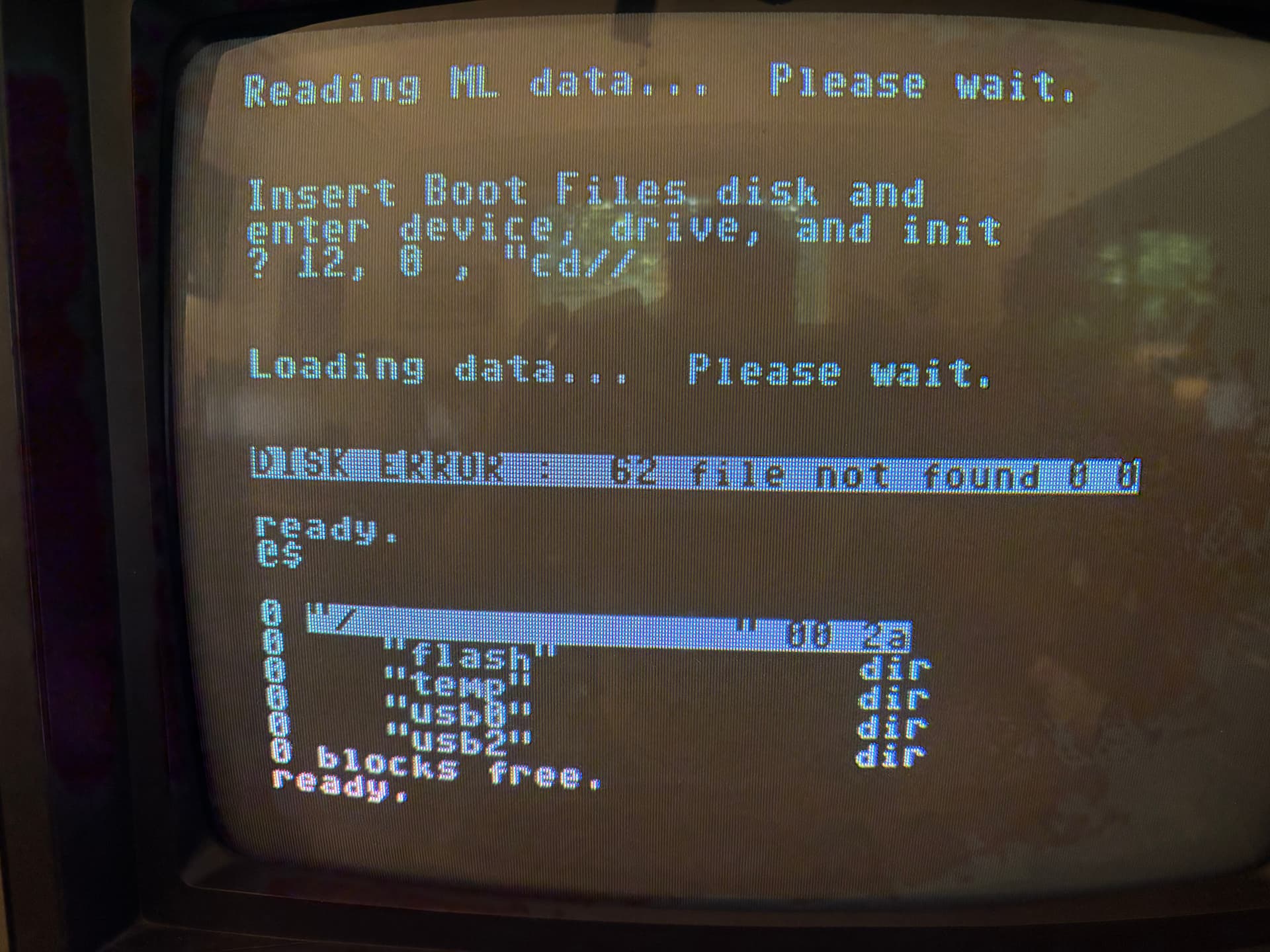
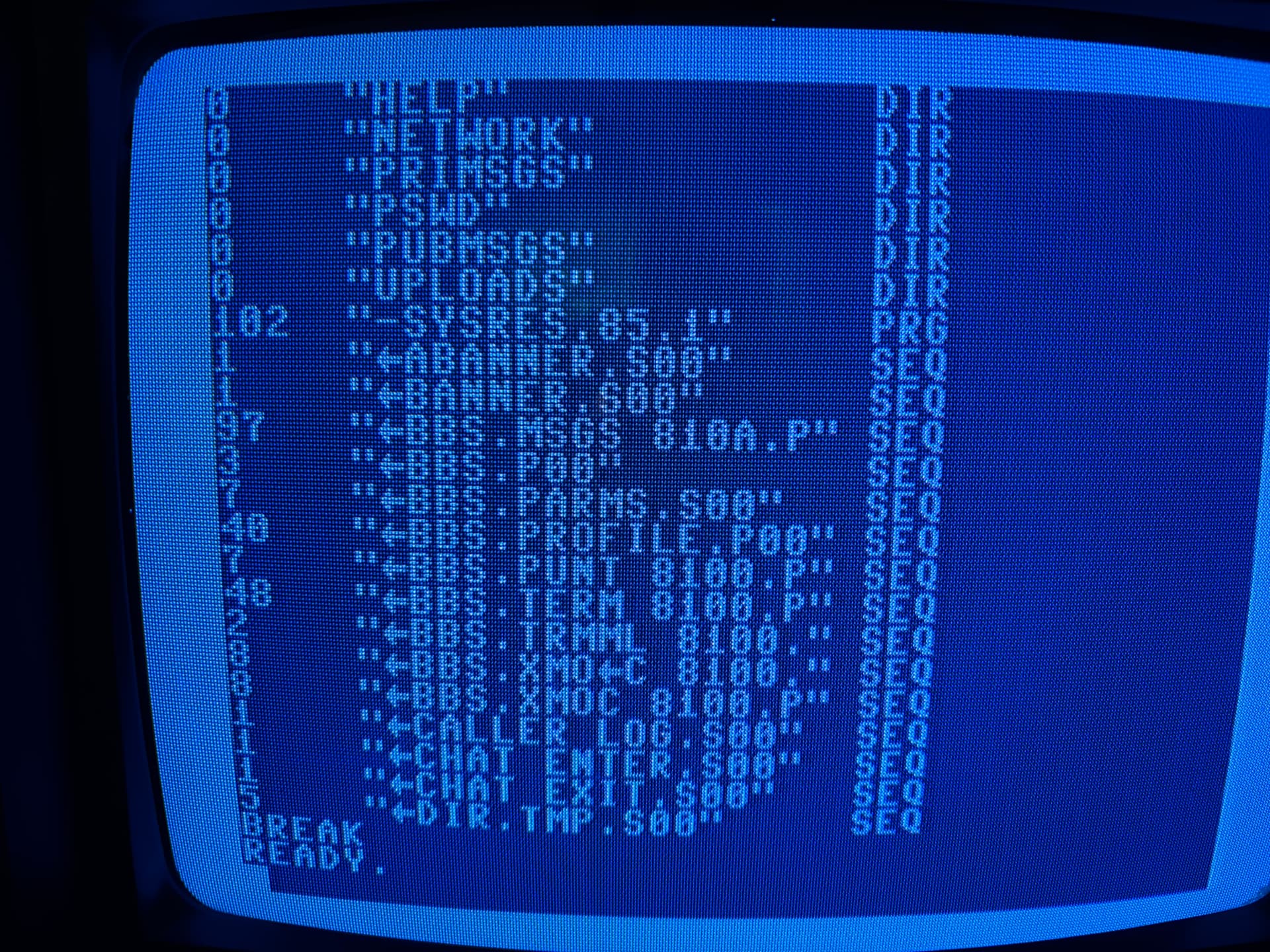
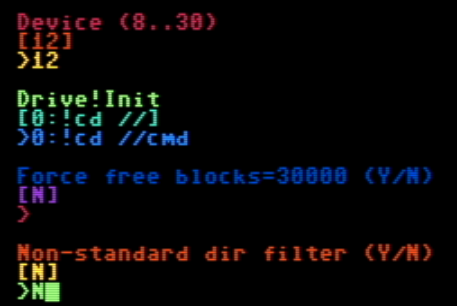
The Ultimate II+ softIEC has a default path you set, which is the start directory when you @#12 to it, which you can see in the first photo. Also note the path in the first photo of “/USB2/CMD/”. Then look at the second photo, it seems to move back to the root. If do a ? 12, 0, “cd//usb2/cmd it also fails. Any ideas?
@RunStop I have the Ultimate II Elite here and based on what I see, you would need to ensure the following
ensure bootmaker is present in the directory of USB2 where you plan to have your program files. Your picture shows “/USB2/CMD”, so assume that’s the primary operating directory.
Note: Based on what I see on my Ultimate Elite II - if I perform a “change to root directory” or “CD //” - my system goes to “USB2”. What this tells me is your boot setup for Color 64 and the directory you are showing in your snapshot should be:
This would also be for your program and system files if you keep the structure I had in the build. There might need to be some other changes as well since you are using a different directory structure than I had in the SD2IEC build.
That said, if you move the build structure to the root directory of the USB (not “CMD”) - then it should operate as built. Just have the following and the rest should (hopefully) run smooth:
@RunStop - you could steal the files from the D64 repository so you don’t have to go in and rename everything - unless you have a simple way of doing that…..
I switched to installing it on a D81 disk because i wasnt sure what the softIEC was doing. It fails with track errors. I made a video to show you the steps im taking.
@runstop I can’t say for sure what is causing your illegal track sector on D81, but here’s a few pointers:
REL files (which the BBS does create) do not bode well at all for D81 or real 1581 disks. Vice even struggles with them. SD2IEC sometimes has issues, which is why I supplied the necessary built REL files on the SD2IEC build - because once they are built, SD2IEC seems fat, dumb and happy. Though I have seen it create REL files successfully time to time. Bottom line: 1581 format is not compatible with the system files or games that use this filetype.
As well, 1581 will be too restrictive alone to support the system (not enough space). You would need multiple drives (program/system, mail, text files, ud sections) to consider. The user manual speaks to this extensively
The D64 files are not set up to just run straight off the disk - you were lucky though. It looks like you’re running the right file. Instead, the files should be copied as per the user manual (program files to program area, system files to system area, etc). Review and follow Chapter 2. You can also review my SD2IEC section for installation as well - Appendix F.3 and G.4
Recommend you stick with UIEC - you’re just about there - we just need to find the right SD2IEC command to get to your working “root” directory you are planning for the BBS!
so:
download SD2IEC build and place copy in your CMD folder; OR copy D64 program and system file content to the CMD folder. Ensure BOOTMAKER is present in that folder
get to your UIEC drive in the CMD folder
run bootmaker - response to 1st query is as discussed: 12:0,cd // OR 12:0,i0
I piled all the files from the traditional disks into one directory and was able to get the bbs running. One more question…
How do I get +setup to save the params to 12 rather than 8, i set 12 to everything in bootmaker. I manually copied it over from 8 to 12 after it saved.
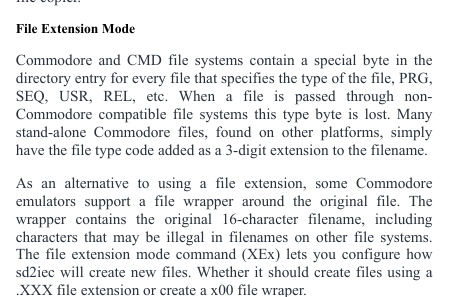
Based on what I have seen tonight, the DOS expectations that Color 64 employs are not fully compatible with the Ultimate IEC environment. That’s not to say using Disk images (D64/D81) won’t work… those probably will, but you would be limited to only two drives if your system is like mine, and keep in mind that D81 images don’t play well with REL files (password file, game databases, network accounts if networked). All my filenames are being tagged with S00 and P00. <edit - resolved below>