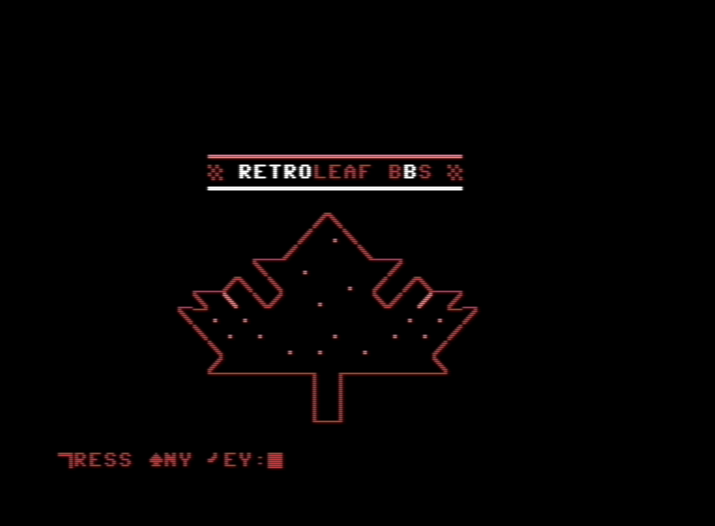
First post here, I have my install of Color 64 BBS running from SD D81 image on a Meatloaf.
I’ve gotten as far as editing many of the SEQ files for all the various messages. I have one that I just can’t seem to figure out, switching the character set between upper graphics and lowercase. The welcome1 file I created is in uppercase graphics, I just can’t seem to figure out how to get the char set to switch before displaying welcome1. Is this possible? or am I looking for something I’ll never find?
Zucky,
At start of welcome1, place a CTRL-U character to force the uppercase.
At the end of the file for welcome1, put a CTRL-L character to force back to lower case.
If you want it to pause before it transitions (so user can see the upper-case artwork), put a £c right before it. The CTRL-U/CTRL-L will not function if you do this in an editor outside Color 64 (like Kaladiscope), so use the stand-alone +editor or the editor in Dos-Wedge!
Thank you, it has been quite some time since I even did any of this with my C64. This did remind me of how this all works. I found this reference that seems quite good.