Hello there, I appreciate being accepted as a member. I am curious if I can find help with my setup process. I’m trying to host the prebuilt color64 using my windows 11 PC, and I am having trouble trying to figure out how the upload file and download file functions are supposed to work. I followed the tutorial video on youtube at first, and I am able to connect to the tcpser with my C64C that has these attachments:
SD2IEC + Epyx Fastload combo cartridge
Strikelink wifi modem
I will walk through the process I am going through that leads me to a wall:
On my host PC:
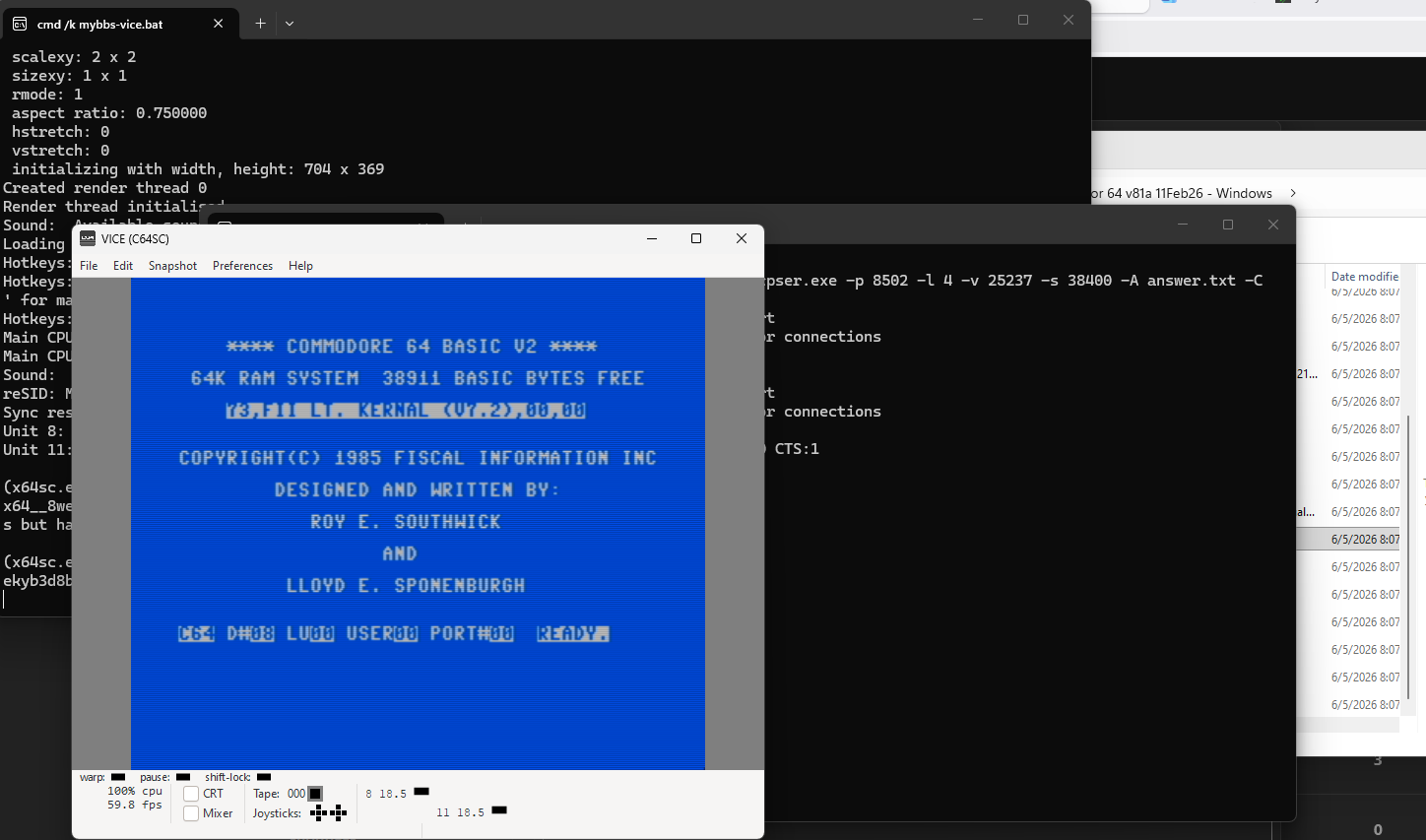
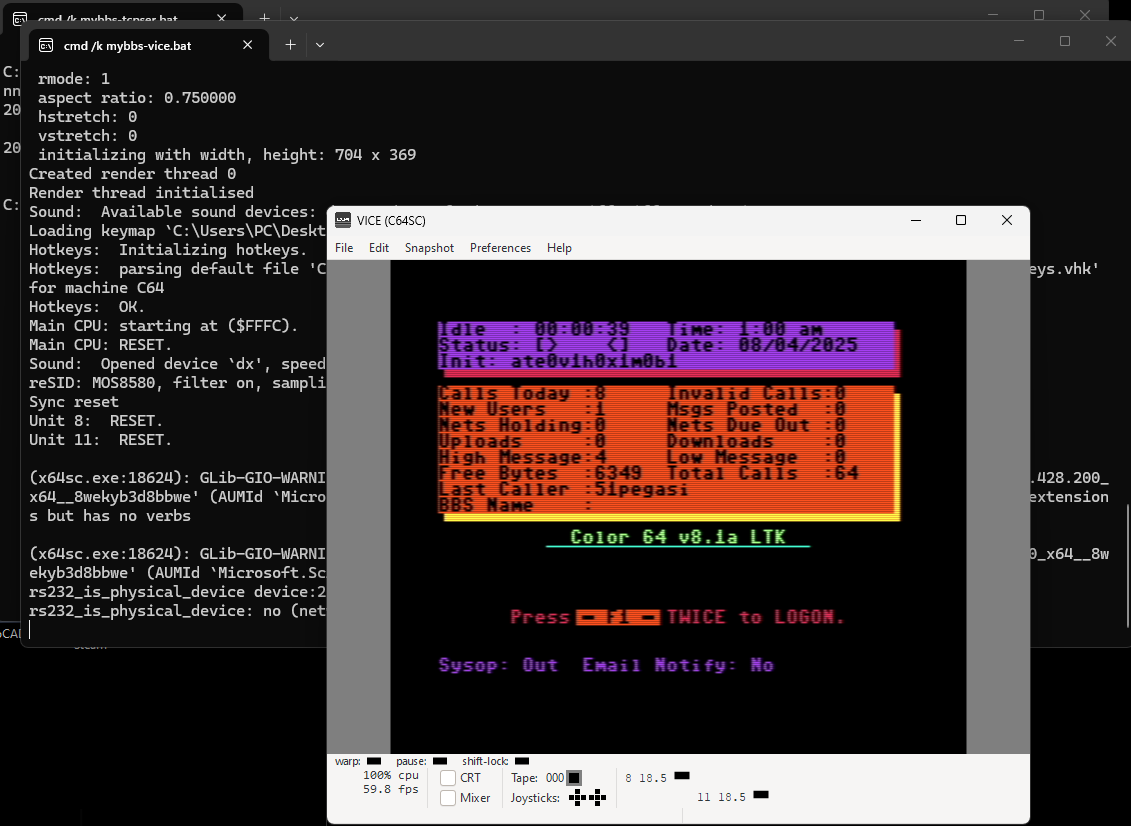
I load up the bbs with the mybbs.bat file, and the vice emulator comes up with the ltkernal and the ready prompt, then I submit +bbs to start up the bbs.
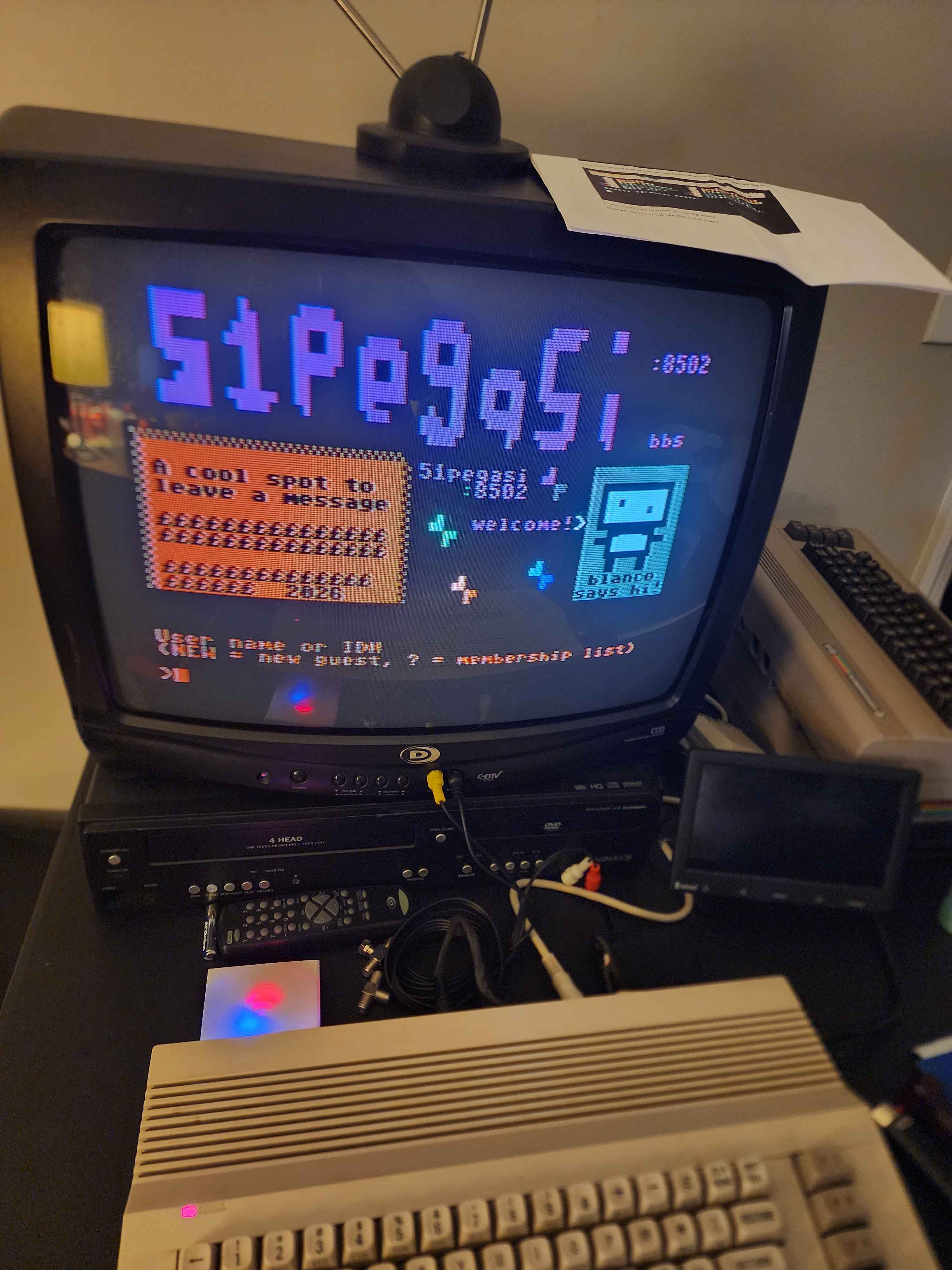
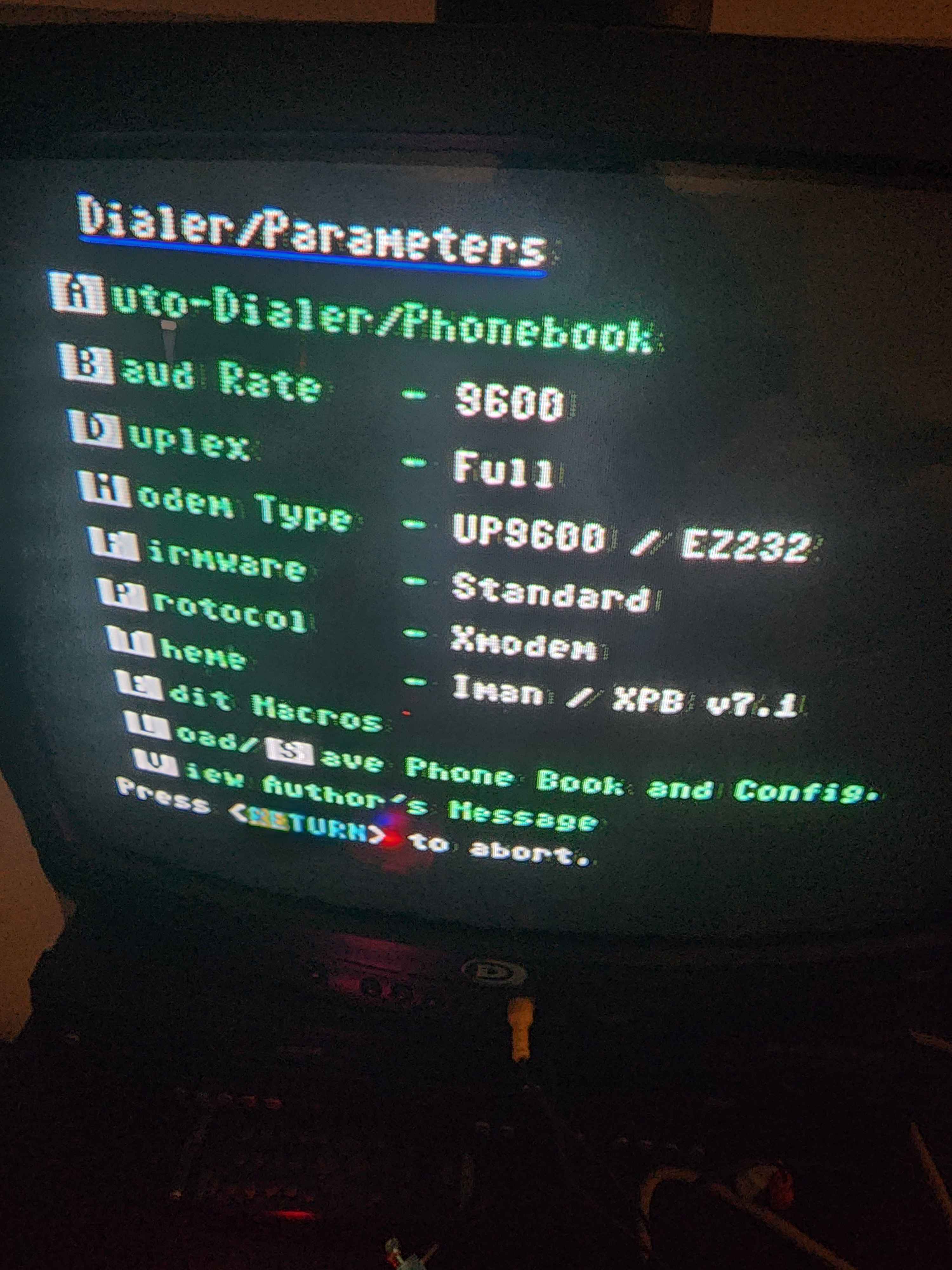
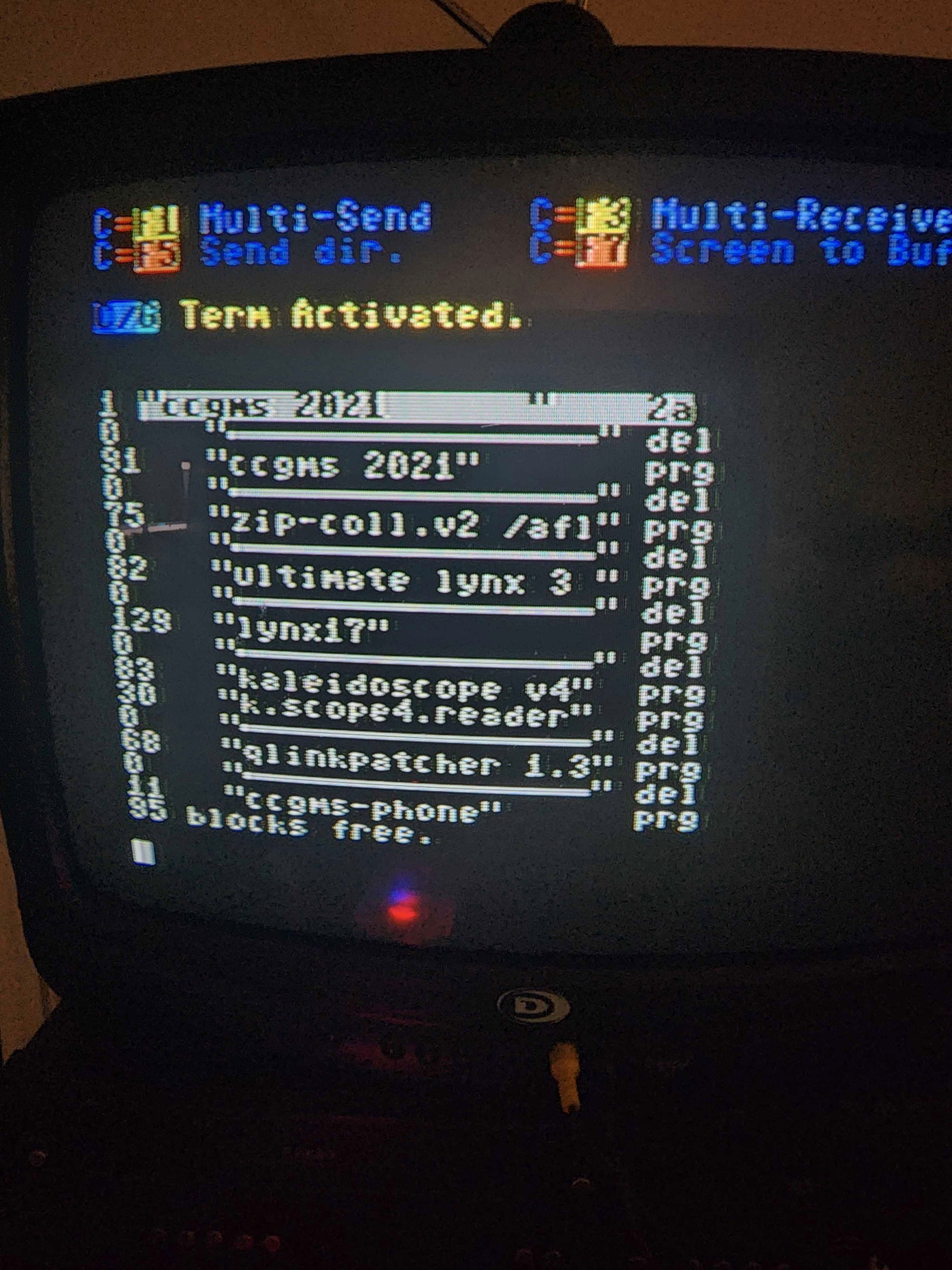
I load up CCGMS 2021 with the SD2IEC using fb64 and connect to the BBS with the atdt command and my local IP:port. it does connect and show up correctly, and I can login with my sysop profile that I made previously in the password maintenance menu.
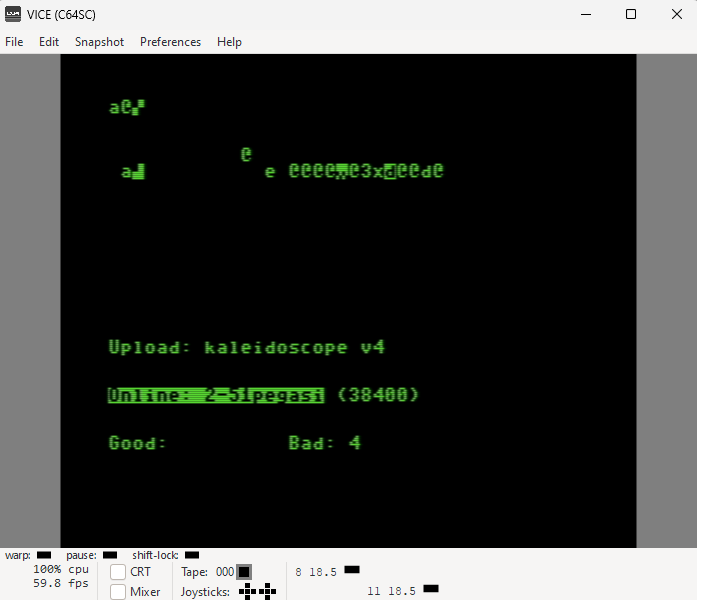
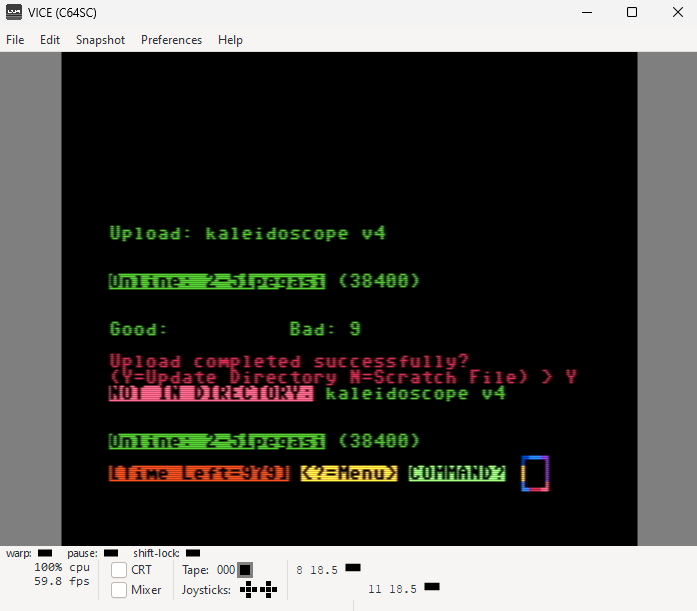
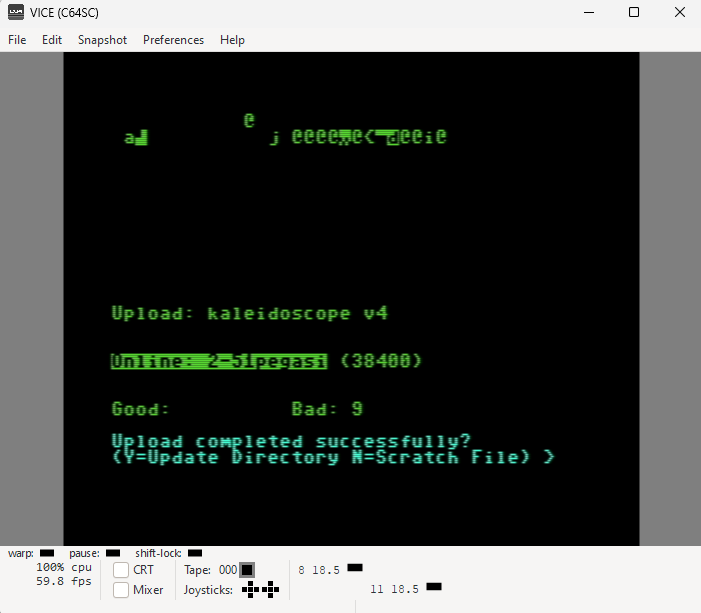
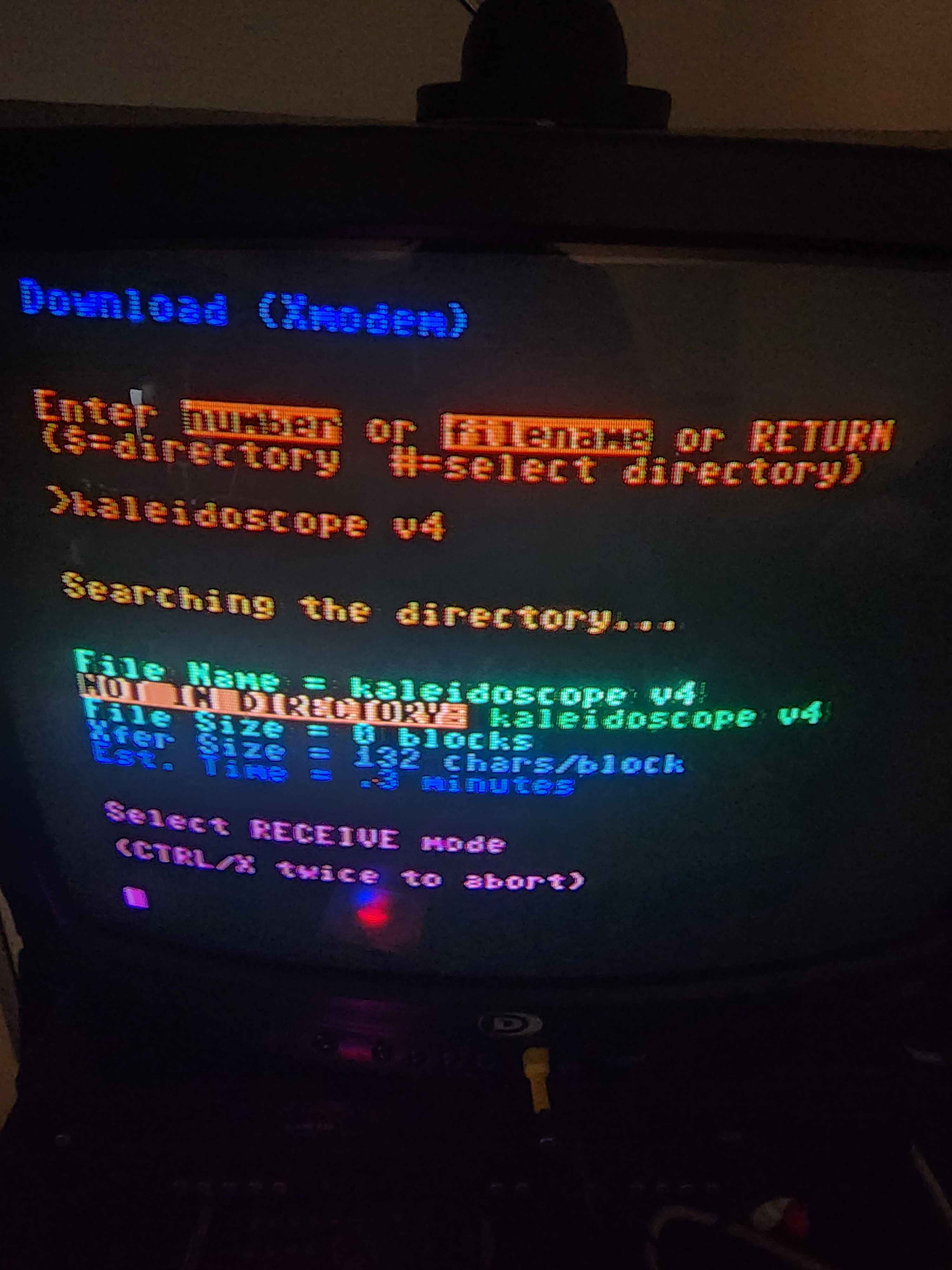
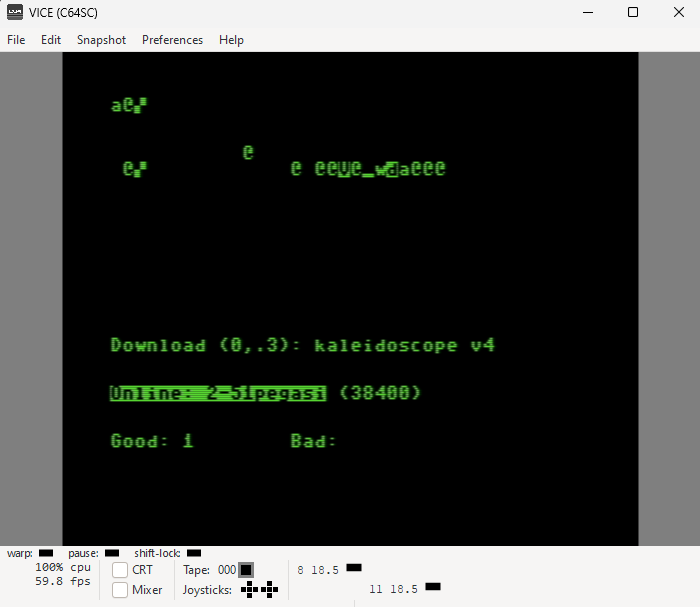
I have attempted to upload a file that is on the ccgms d64 file called ‘kaleidoscope v4’ that is mounted with the SD2IEC as a test file, and the upload transfer screen only shows bad status and no good status when attempting an upload transfer. once the bad transfer status reaches 9-10, it will say that the ‘file uploaded successfully?’ and will ask if I want to refresh directory, if I press Y to refresh the directory, it will display ‘not in directory’ next to the file that i tried to upload.
if I try to download the file that I just uploaded, it will show the file info when downloading, which always shows 0 blocks of data. if I try to attempt to download the file it will hang indefinitely until I shut down the c64c.
I apologize if there is some obvious step or routine that i am missing or misunderstanding. if I am a dummy for any reason please let me know! I would like to know how this actually works if I am not using it correctly, or if there is some step that I need to do to fix the issue I am having.
Hi 51pegasi! Greetings!
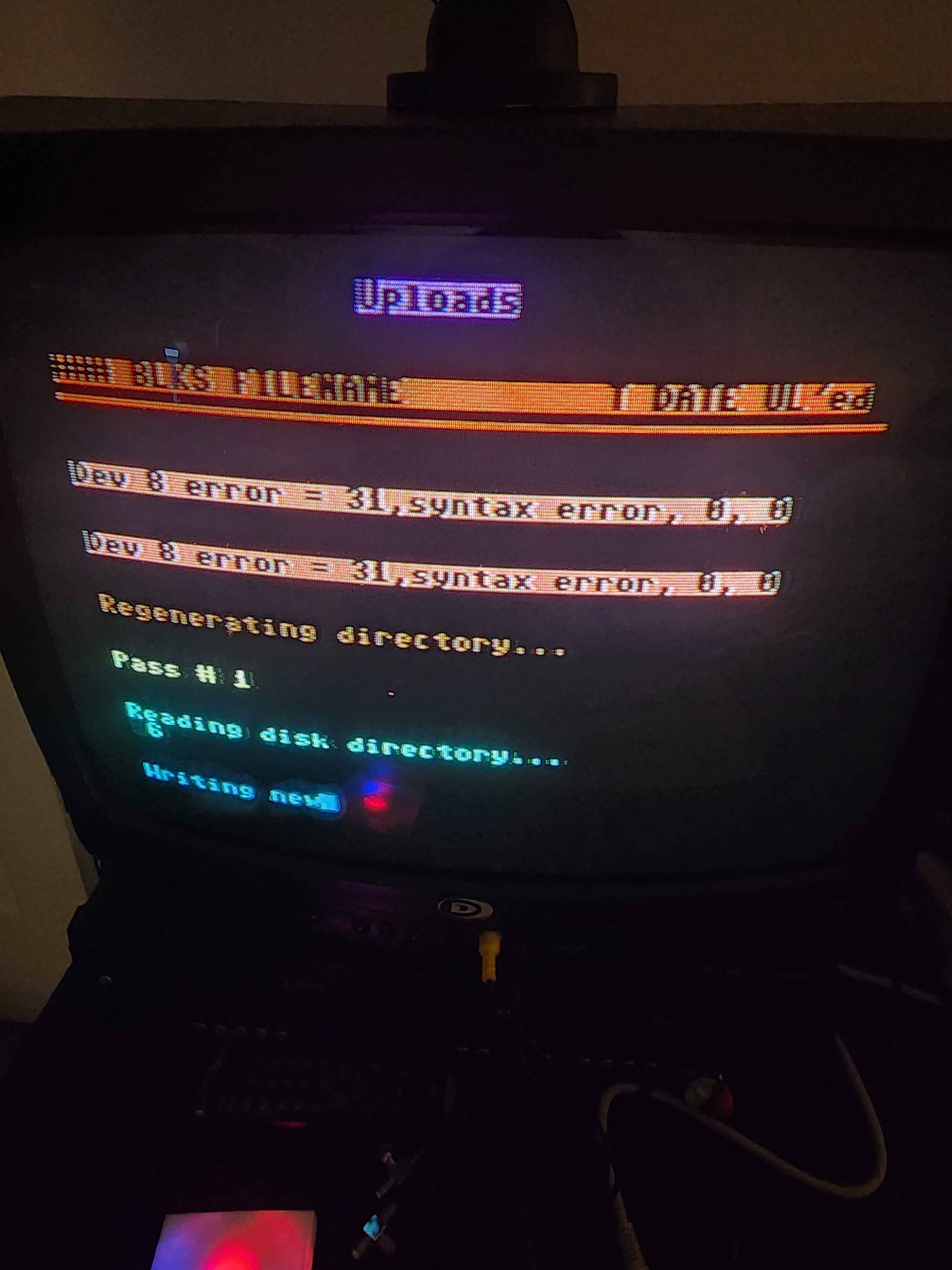
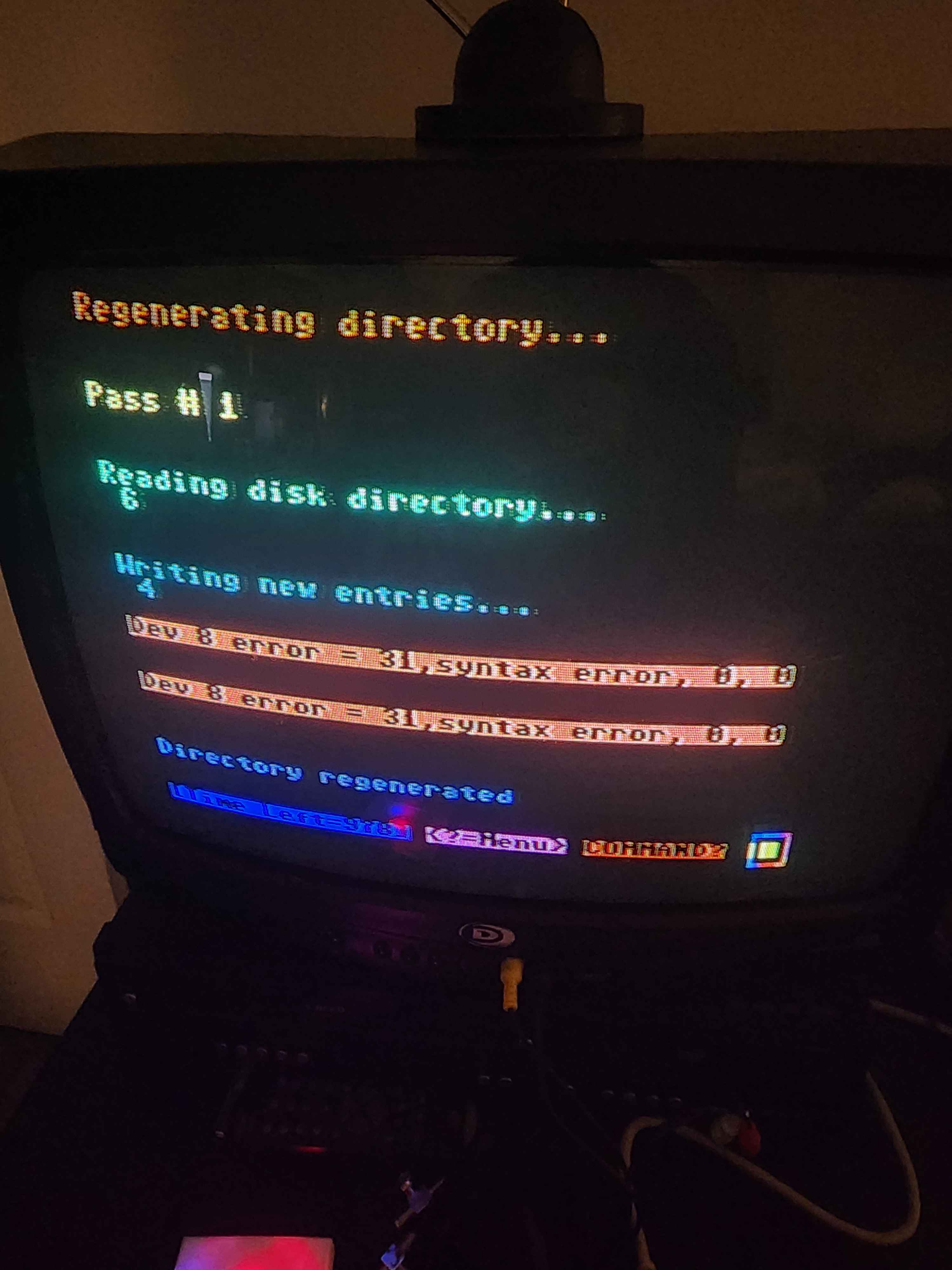
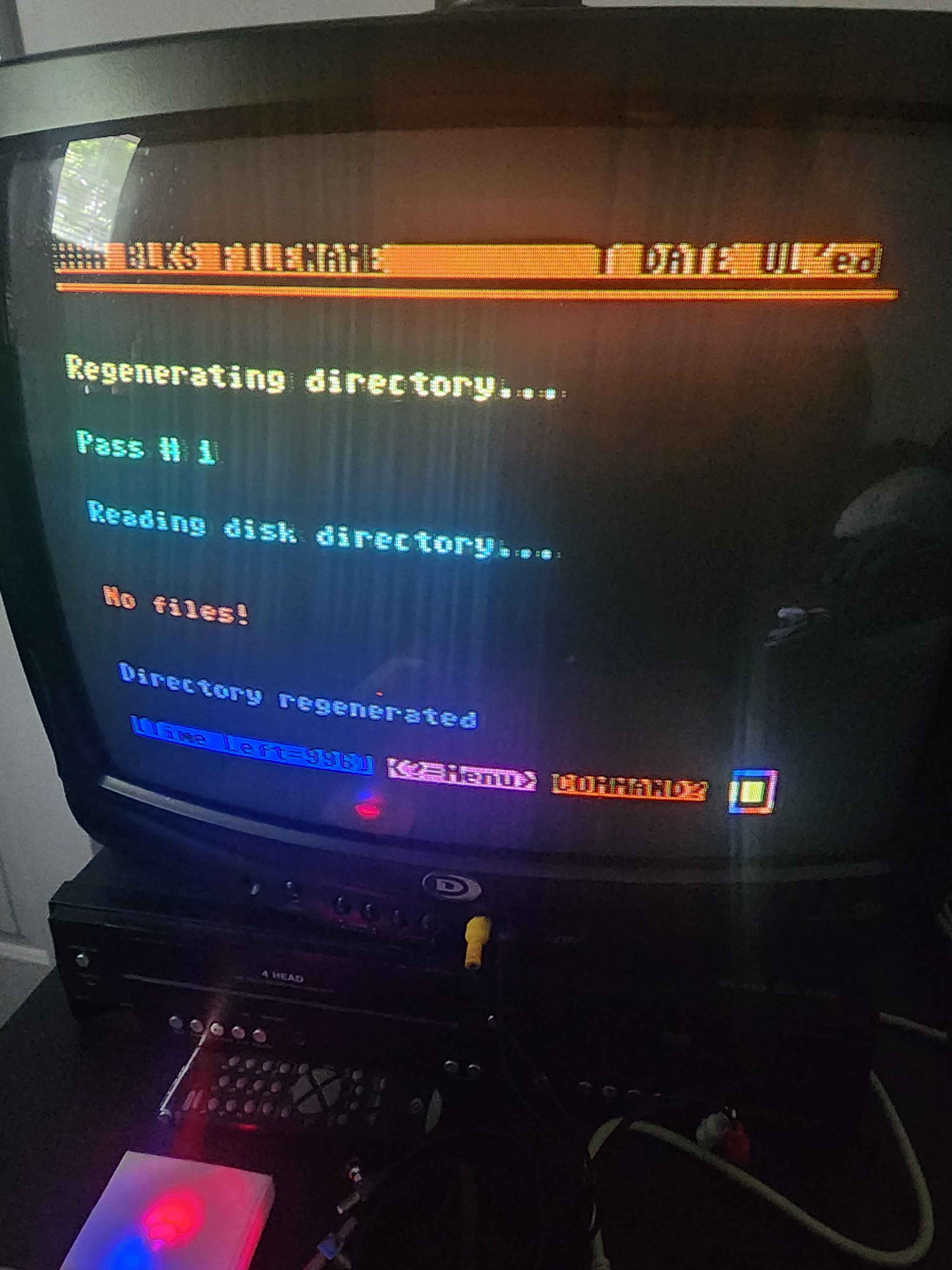
“Regenerating Directory” is normal when a directory is empty, but “Syntax error” is not.
When using XMODEM to Color64, if you got nothing but bad blocks, you would say “N” to “Upload completed successfully?”.
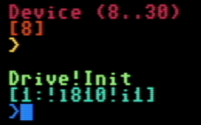
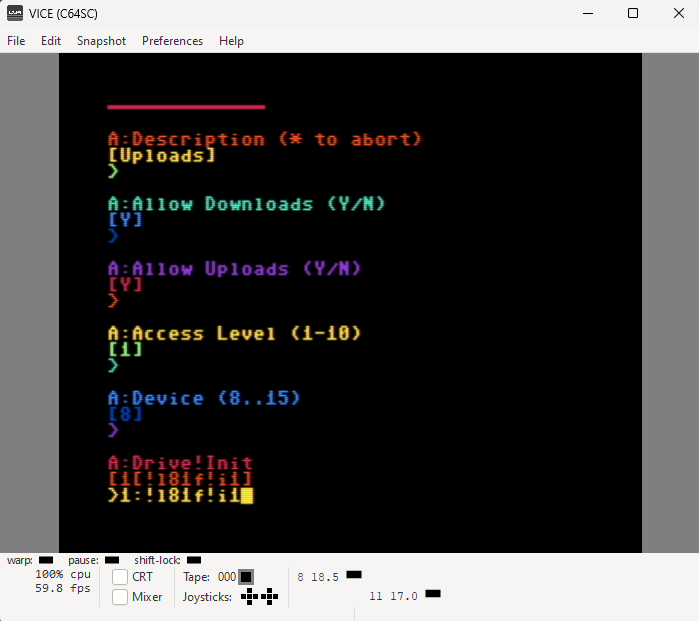
There was a bug in how the uploads drive is called at least in the LTK version. Specifically, make sure your drive initialization string looks correct. There was a “]” immediately following the drive number that should instead be a “:” - so “1:!l81ue!i1”
“1:” calls out drive number
“!l81ue” calls out LU 1, user 15 (or whatever LU/User area you chose for uploads)
“!i1” initializes drive 1
For the download: XMODEM is very forgiving, so I don’t think it’s that. I expect the download of Kaleidoscope would fail because you didn’t actually successfully upload it to the system in the first place. But the bad blocks for the upload is most likely something on the CCGMS end. If you want to DM me on the website here (top right corner is the DM chat icon) and provide your BBS IP, I can try an upload from here to prove your uploads are working (once you correct the drive initialization string).
Thank you for responding, I found where the command was defined in the setup, under the UD parameters section. i rewrote the line to change the single character and saved the parameters for the uploads section.
When I try to upload a file, I still get bad blocks on the upload transfer screen. i tried connecting to the host with the c64c connected to a seperate wifi hotspot and it still did not upload a file successfully.
At this point, I would look at your CCGMS setup side of the house solely because if you are using TCPSER, and have not modified the BBS modem initialization string in +SETUP, then your BBS is in a proven configuration for upload / download.